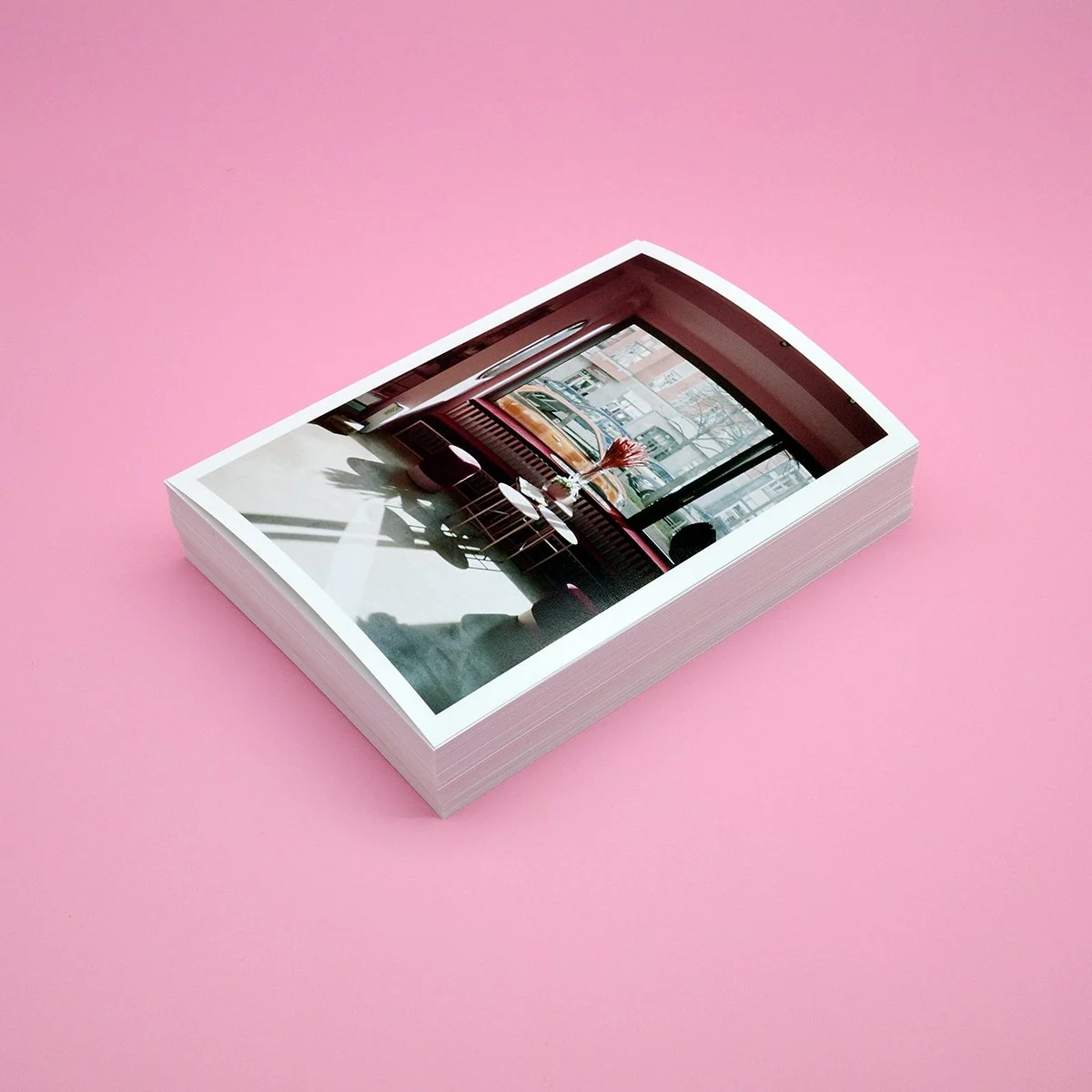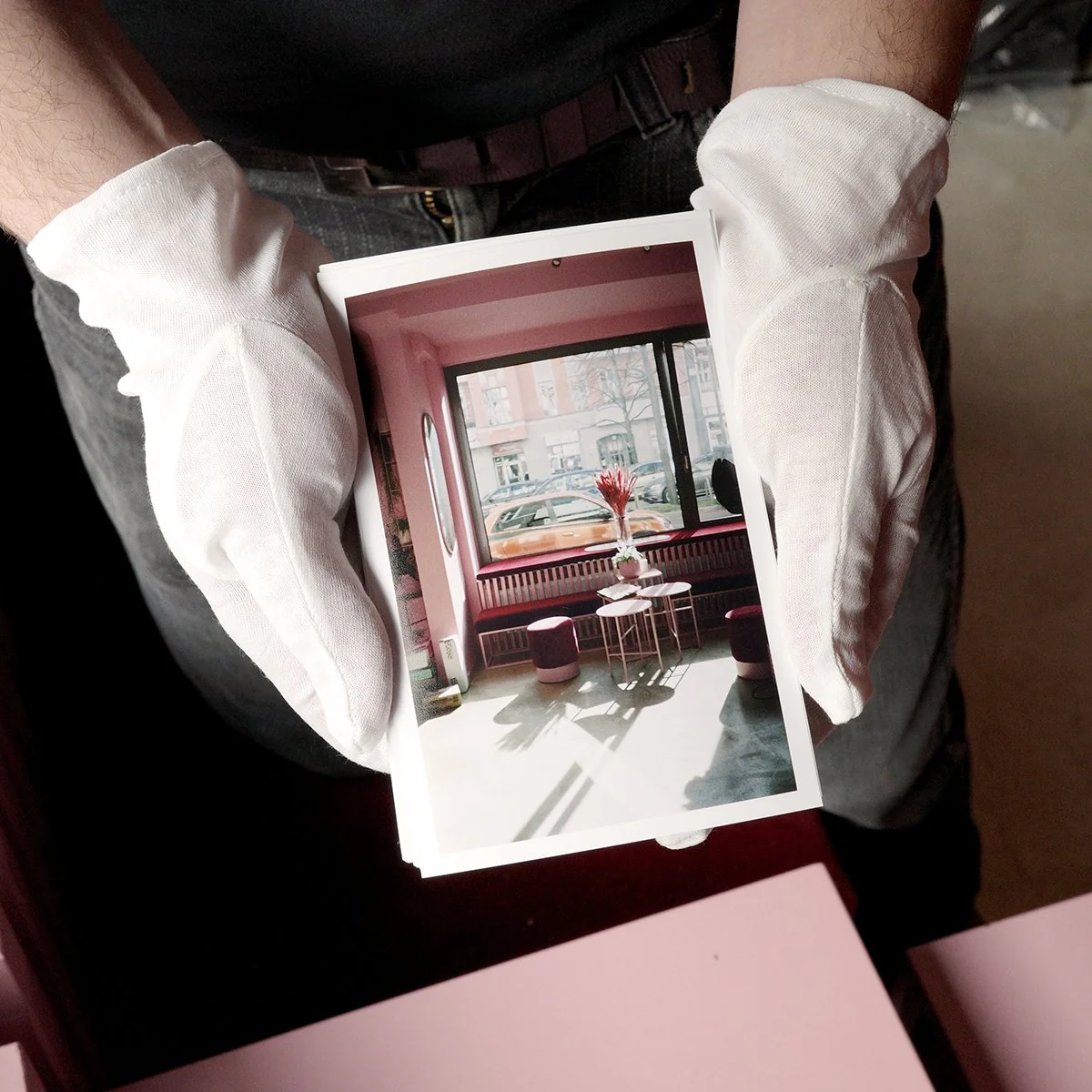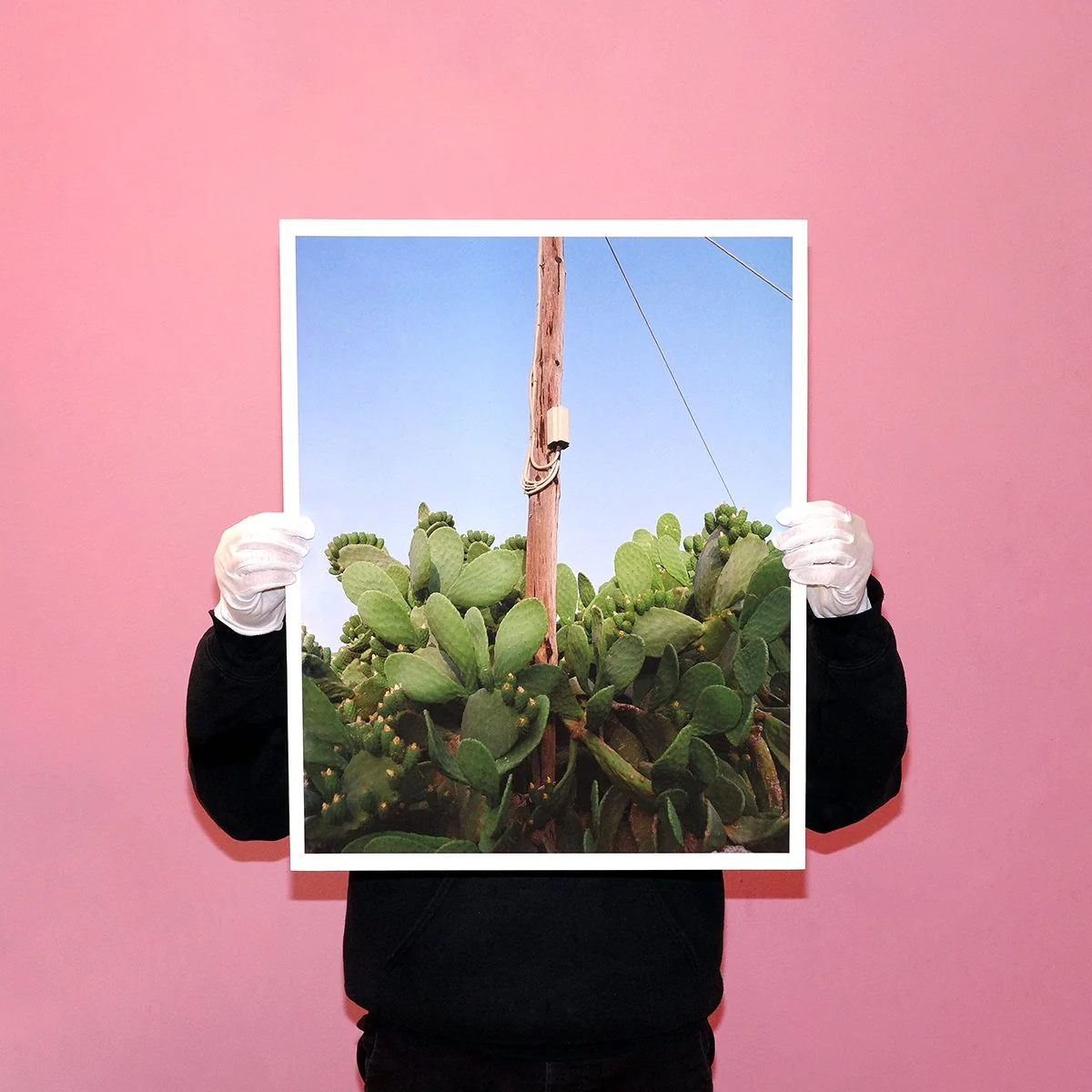
Fine Art Prints
Standard turnaround is up to 3-4 working days for Fine Art Prints
Please contact us by email if you have a specific deadline at [email protected]
Prepare your files
If you are ordering different sizes and/or papers, please name your files accordingly : picture1_size_papertype.jpg
Please make sure your files are at least 300dpi and close to the size you would like to print. For larger sizes, it can be accepted to go down to 200dpi but we recommend not going below.
Use standard RGB color profiles (Adobe98 or sRGB) and 8/16bits, in Jpg or Tiff.
32bits files won't be accepted.
Paper choice
Matte papers tend to allow less ink to go in, which means less contrast and saturation.
If your pictures are very contrasted or include very dark areas, you might consider choosing a Pearl or Glossy paper.
Matte papers are also more fragile and can be easily scratched/marked. This is more visible on black/darker areas, and should be handle with more care. If your picture is very dark on the edges, you might consider adding a white border to handle it safely.
Our Standard Papers are:
1. Matt - Ilford Studio 235gsm
2. Pearl - Ilford Studio Satin 250gsm
Our Premium papers are:
3. Matt - Hahnemühle Photo Rag 308gsm
4. Pearl - Hahnemühle FineArt Pearl 285gsm
5. Matt - Hahnemühle Natural Line Agave 290gsm
6. Glossy - Hahnemühle FineArt Baryta 325gsm
Fit in / Fill in
The “Fit in - cut” setting will resize an image to fit within the bounds of the size selected without cropping.
- example : a 6x7 ratio’s picture with “up to 20x30cm” will result in a 20x25cm print. The picture is not cropped.
The “Fit in - uncut” setting will resize an image to fit within the bounds of the size selected without cropping. The extra white borders are not cut out.
- example : a 6x7 ratio’s picture with “up to 20x30cm” will result in a 20x25cm picture, within a 20x30cm print. The picture is not cropped.
The “Fill in” setting will expand an image to fill the size selected, which may result in some cropping depending on your image.
- example : a 6x7 ratio’s picture with “up to 20x30cm” will result in a 20x30cm print. The picture is cropped.
If you have any doubt, or if you plan to use a frame, use the option "Custom Size" and mention the exact size of the print you need. You can also add any information in the "note" when placing the order.
Borders
The borders will be included inside the final print size selected.
The size of the border itself correspond to each side : “2cm borders” means each side of the picture will have 2cm of extra white.
If selecting “Fit in - uncut” with extra borders, the borders won’t be the same size on top/bottom and left/right, depending on the ratio of your picture.
Be careful, adding borders change the ratio of the picture : a 35mm print in “up to 20x30cm” will be :
- 20x30cm in “Fit in - cut” without borders
- 20x29cm in “Fit in - cut” with 1cm borders.
Appointments
We are offering appointments to do test prints together at the lab.
The price is 45€/hour and includes 2 test strips (10x60cm) on the paper of your choice.
Each extra test strips will be charge 6€ for Standard paper and 12€ for Premium paper.
Request an appointment directly at [email protected]
Mounting
Mounting on 5mm foamboard is available up to 30x45cm.
Mounting on 10mm foamboard is available up to 60x90cm for pickup only.
For deliveries, we are only capable to mount up to 40x60cm.
--------------------------
We use the professional Canon Pro-2600 inkjet printer
For any questions, please contact us at [email protected]
Standard turnaround is up to 3-4 working days for Fine Art Prints
Please contact us by email if you have a specific deadline at [email protected]
Prepare your files
If you are ordering different sizes and/or papers, please name your files accordingly : picture1_size_papertype.jpg
Please make sure your files are at least 300dpi and close to the size you would like to print. For larger sizes, it can be accepted to go down to 200dpi but we recommend not going below.
Use standard RGB color profiles (Adobe98 or sRGB) and 8/16bits, in Jpg or Tiff.
32bits files won't be accepted.
Paper choice
Matte papers tend to allow less ink to go in, which means less contrast and saturation.
If your pictures are very contrasted or include very dark areas, you might consider choosing a Pearl or Glossy paper.
Matte papers are also more fragile and can be easily scratched/marked. This is more visible on black/darker areas, and should be handle with more care. If your picture is very dark on the edges, you might consider adding a white border to handle it safely.
Our Standard Papers are:
1. Matt - Ilford Studio 235gsm
2. Pearl - Ilford Studio Satin 250gsm
Our Premium papers are:
3. Matt - Hahnemühle Photo Rag 308gsm
4. Pearl - Hahnemühle FineArt Pearl 285gsm
5. Matt - Hahnemühle Natural Line Agave 290gsm
6. Glossy - Hahnemühle FineArt Baryta 325gsm
Fit in / Fill in
The “Fit in - cut” setting will resize an image to fit within the bounds of the size selected without cropping.
- example : a 6x7 ratio’s picture with “up to 20x30cm” will result in a 20x25cm print. The picture is not cropped.
The “Fit in - uncut” setting will resize an image to fit within the bounds of the size selected without cropping. The extra white borders are not cut out.
- example : a 6x7 ratio’s picture with “up to 20x30cm” will result in a 20x25cm picture, within a 20x30cm print. The picture is not cropped.
The “Fill in” setting will expand an image to fill the size selected, which may result in some cropping depending on your image.
- example : a 6x7 ratio’s picture with “up to 20x30cm” will result in a 20x30cm print. The picture is cropped.
If you have any doubt, or if you plan to use a frame, use the option "Custom Size" and mention the exact size of the print you need. You can also add any information in the "note" when placing the order.
Borders
The borders will be included inside the final print size selected.
The size of the border itself correspond to each side : “2cm borders” means each side of the picture will have 2cm of extra white.
If selecting “Fit in - uncut” with extra borders, the borders won’t be the same size on top/bottom and left/right, depending on the ratio of your picture.
Be careful, adding borders change the ratio of the picture : a 35mm print in “up to 20x30cm” will be :
- 20x30cm in “Fit in - cut” without borders
- 20x29cm in “Fit in - cut” with 1cm borders.
Appointments
We are offering appointments to do test prints together at the lab.
The price is 45€/hour and includes 2 test strips (10x60cm) on the paper of your choice.
Each extra test strips will be charge 6€ for Standard paper and 12€ for Premium paper.
Request an appointment directly at [email protected]
Mounting
Mounting on 5mm foamboard is available up to 30x45cm.
Mounting on 10mm foamboard is available up to 60x90cm for pickup only.
For deliveries, we are only capable to mount up to 40x60cm.
--------------------------
We use the professional Canon Pro-2600 inkjet printer
For any questions, please contact us at [email protected]
Original: $14.13
-65%$14.13
$4.95Description
Standard turnaround is up to 3-4 working days for Fine Art Prints
Please contact us by email if you have a specific deadline at [email protected]
Prepare your files
If you are ordering different sizes and/or papers, please name your files accordingly : picture1_size_papertype.jpg
Please make sure your files are at least 300dpi and close to the size you would like to print. For larger sizes, it can be accepted to go down to 200dpi but we recommend not going below.
Use standard RGB color profiles (Adobe98 or sRGB) and 8/16bits, in Jpg or Tiff.
32bits files won't be accepted.
Paper choice
Matte papers tend to allow less ink to go in, which means less contrast and saturation.
If your pictures are very contrasted or include very dark areas, you might consider choosing a Pearl or Glossy paper.
Matte papers are also more fragile and can be easily scratched/marked. This is more visible on black/darker areas, and should be handle with more care. If your picture is very dark on the edges, you might consider adding a white border to handle it safely.
Our Standard Papers are:
1. Matt - Ilford Studio 235gsm
2. Pearl - Ilford Studio Satin 250gsm
Our Premium papers are:
3. Matt - Hahnemühle Photo Rag 308gsm
4. Pearl - Hahnemühle FineArt Pearl 285gsm
5. Matt - Hahnemühle Natural Line Agave 290gsm
6. Glossy - Hahnemühle FineArt Baryta 325gsm
Fit in / Fill in
The “Fit in - cut” setting will resize an image to fit within the bounds of the size selected without cropping.
- example : a 6x7 ratio’s picture with “up to 20x30cm” will result in a 20x25cm print. The picture is not cropped.
The “Fit in - uncut” setting will resize an image to fit within the bounds of the size selected without cropping. The extra white borders are not cut out.
- example : a 6x7 ratio’s picture with “up to 20x30cm” will result in a 20x25cm picture, within a 20x30cm print. The picture is not cropped.
The “Fill in” setting will expand an image to fill the size selected, which may result in some cropping depending on your image.
- example : a 6x7 ratio’s picture with “up to 20x30cm” will result in a 20x30cm print. The picture is cropped.
If you have any doubt, or if you plan to use a frame, use the option "Custom Size" and mention the exact size of the print you need. You can also add any information in the "note" when placing the order.
Borders
The borders will be included inside the final print size selected.
The size of the border itself correspond to each side : “2cm borders” means each side of the picture will have 2cm of extra white.
If selecting “Fit in - uncut” with extra borders, the borders won’t be the same size on top/bottom and left/right, depending on the ratio of your picture.
Be careful, adding borders change the ratio of the picture : a 35mm print in “up to 20x30cm” will be :
- 20x30cm in “Fit in - cut” without borders
- 20x29cm in “Fit in - cut” with 1cm borders.
Appointments
We are offering appointments to do test prints together at the lab.
The price is 45€/hour and includes 2 test strips (10x60cm) on the paper of your choice.
Each extra test strips will be charge 6€ for Standard paper and 12€ for Premium paper.
Request an appointment directly at [email protected]
Mounting
Mounting on 5mm foamboard is available up to 30x45cm.
Mounting on 10mm foamboard is available up to 60x90cm for pickup only.
For deliveries, we are only capable to mount up to 40x60cm.
--------------------------
We use the professional Canon Pro-2600 inkjet printer
For any questions, please contact us at [email protected]